Showing posts with label as. Show all posts

Saturday, November 16, 2013

Use Your Android Mobiles As Modem

We know Android OS operating system is powered by the biggest, famous online data searching  giant GOOGLE. So obviously they include this feature although many of us doesnt know. However, Im now sharing you this two method for using your Android Phone as Modem.
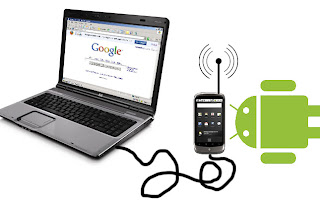

How to Use Android Phone as Modem

Method 1 (WiFi). Follow the instructions bellow....
  • First of all go to your Android phone Settings
  • Click on Tethering & Portable Hotspot and then click Wifi Hotspot.
  • You are simply done. Now your Android phone will work as wifi modem for connecting internet to your computer or Laptop.
Method 2 (USB). Follow the instructions bellow....
  • Like the first method go to your Phone Settings
  • Click on Tethering & portable hotspot and then click USB tethering
  • Compete!!! Now simply use your phone as USB modem. 
Note: Settings might be little bit changed for different Android versions. Some of Android phone doesnt contain the Wifi hotspot settings.

Monday, November 11, 2013

Android Mobiles As Web Cam

If You Want To Communicate Your Friends Family Members Via Video Call You Must Have Video Cam.
Also You Can Use Your Android Mobile As Web Cam For Pc.
For using Android mobile as webcam in PC you should have an USB cable. 
For Setting up your Android Mobile As Webcam in PC follow the instructions bellow...
  • First of all you need to install your Phone driver on your computer for connecting your mobile with PC.
  • Download USB Webcam app and then install it on your Android hand set.
  • Now download USB Webcam desktop Clint and then install.
  • Connect your Phone and computer PC with USB cable.
  • Open the Desktop clint.
  • Now just start USB webcam app on your Android phone
  • You are done!! you have successfully made your Android mobile phone as webcam in PC. 

    Total Pageviews